

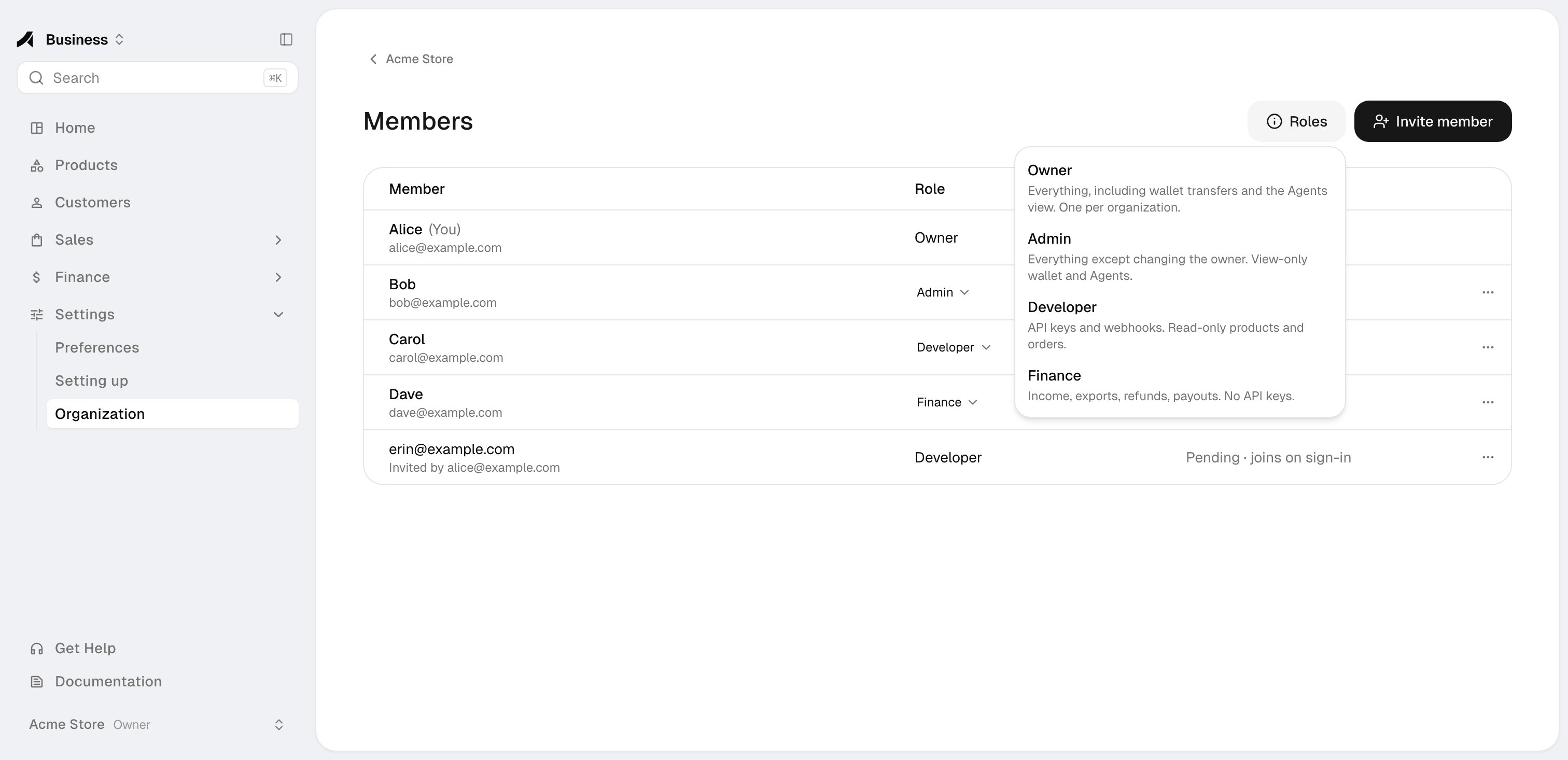
The four roles
Access by area
Manage means the member can use and change the area. View means read-only. Yes means the area is available. — means the area is not shown.
Finance members can view payout accounts but cannot add them or change where payouts go. Developers and Finance members see the verification status, but not the application answers or documents.
Owner rules
- Each organization has exactly one Owner: the person who created it.
- Only the Owner can make wallet transfers and change agents and spending policies. Admins see the wallet and the Agents view read-only.
- The Owner cannot leave the organization or be removed, and the Owner’s role cannot be changed.
- Transferring the Owner role is not self-serve yet. Contact Anyway support if you need to change the Owner.
Viewer role
The invite dialog lists a Viewer role as coming soon. It cannot be assigned yet.Invite and manage members
Invite colleagues and change their roles.
Organizations & Team
Understand accounts and organizations, and switch between them.