

Review total and available balances
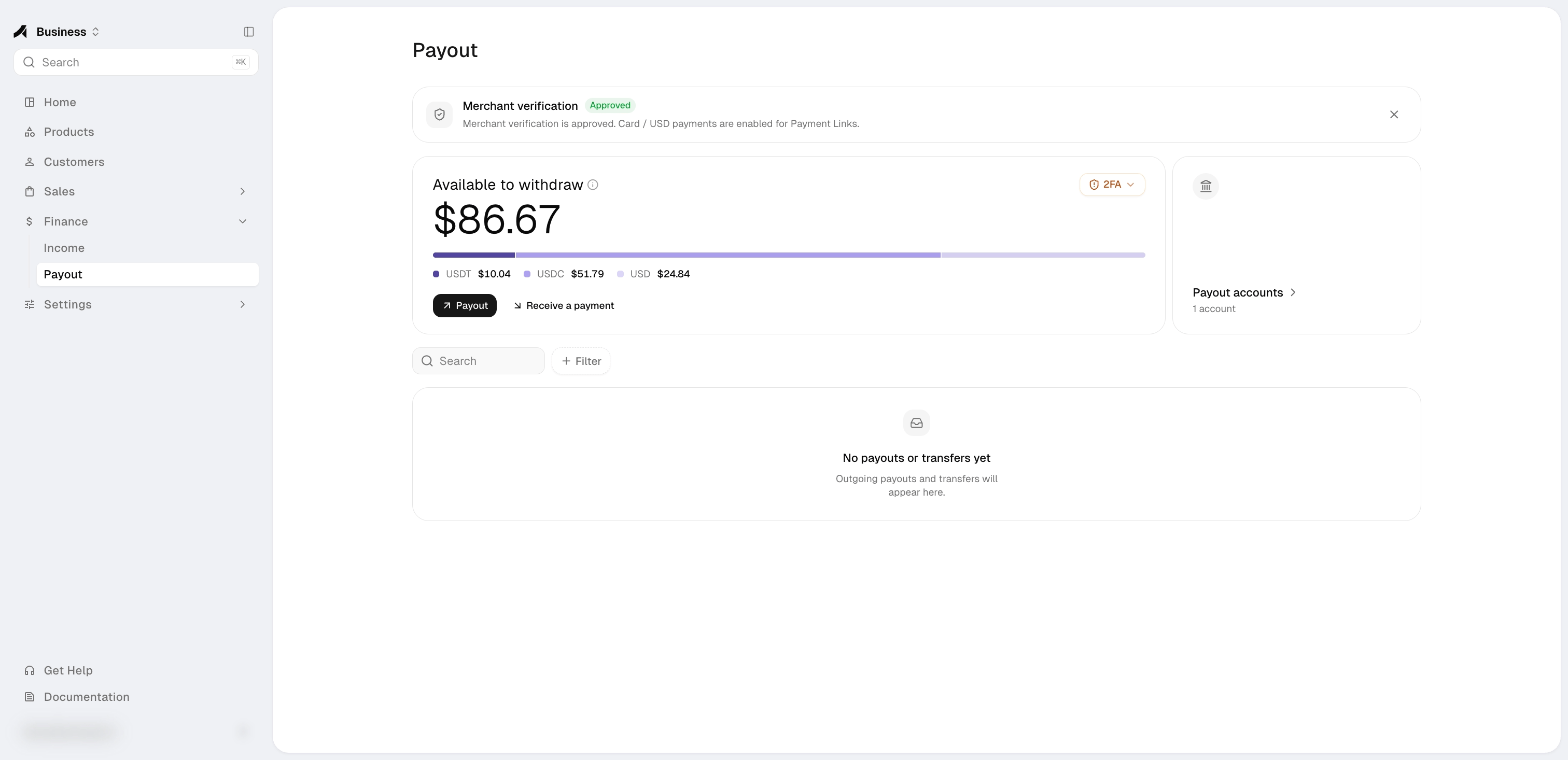
Finance separates two figures:
When some USD is still clearing, Finance shows the withheld amount and may show its next
estimated availability time. The estimate does not release funds by itself: availability
changes only after settlement is confirmed. Refunded or disputed orders remain withheld
instead of becoming requestable.
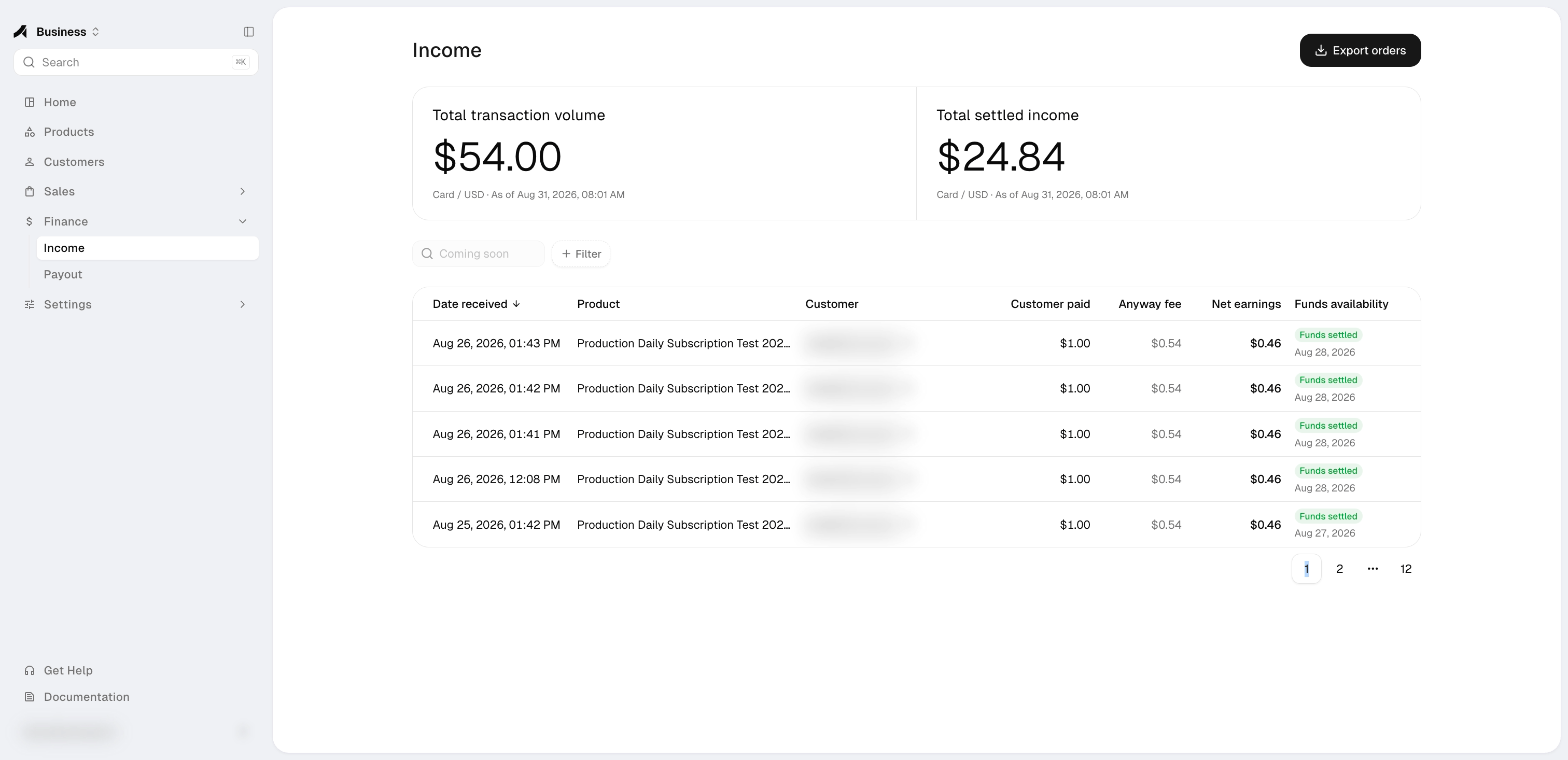
The available USD component is based on posted Finance transactions. Each eligible platform-collected Card / USD sale records:
- the gross amount paid by the buyer;
- the applicable Anyway fee;
- the net amount owed to your business; and
- the related order ID.
The Business totals do not include organization Credits or funds allocated to Agent
Wallets. Only the available USD component can fund a USD payout request; USDC and USDT
do not increase the bank payout limit.
Payout readiness
Merchant verification must be Approved before you can add your first payout account. If you already have an active payout account, a later verification review does not block payout requests from that account. It does block adding another account until account creation becomes available again. The verification status rail changes with the application state. It may offer Start application, Continue setup, Refresh status, Provide more info, or Contact support.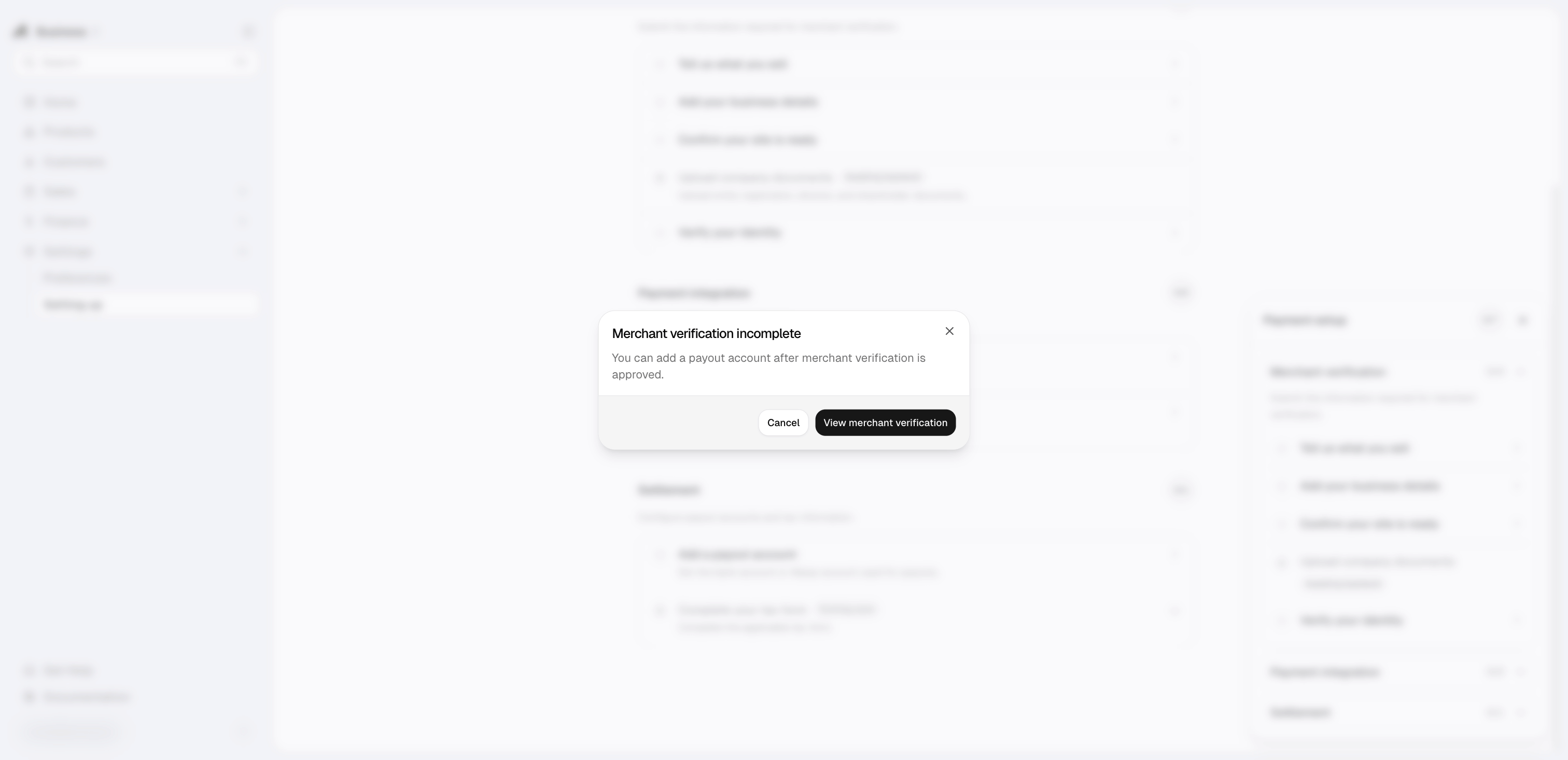
Supported payout accounts
Finance balances and payout requests remain in USD for every account type. The selected
account determines the receiving currency. A non-USD route is converted at the mid-market
rate at withdrawal time; it does not create a non-USD balance in Anyway.
You can save multiple accounts. Adding a new one does not replace an existing account.
Removing an account prevents it from being used for a new payout request. Historical payout requests keep their masked account reference.
Request a USD payout
1
Check your available balance
Review the available USD amount shown in Finance. The total balance is not the payout limit.
2
Meet the minimum
The minimum payout request is $50 USD.
3
Choose an account
Select one active saved payout account. The request remains denominated in USD; a non-USD route converts the transfer at withdrawal time.
4
Submit the request
Optionally add a merchant note of up to 200 characters, then confirm.
5
Follow the status
Follow the request in Finance as its status changes.
Payout request states
Paid and rejected requests are final. If a request is rejected, review the available information and contact support before creating a replacement request.