

List, filter, and export
The Orders table shows order ID, customer, amount, payment method, status, and time. Filter by status, product, and date range, or clear all filters. CSV export uses the active filters and the export limit shown in the dialog.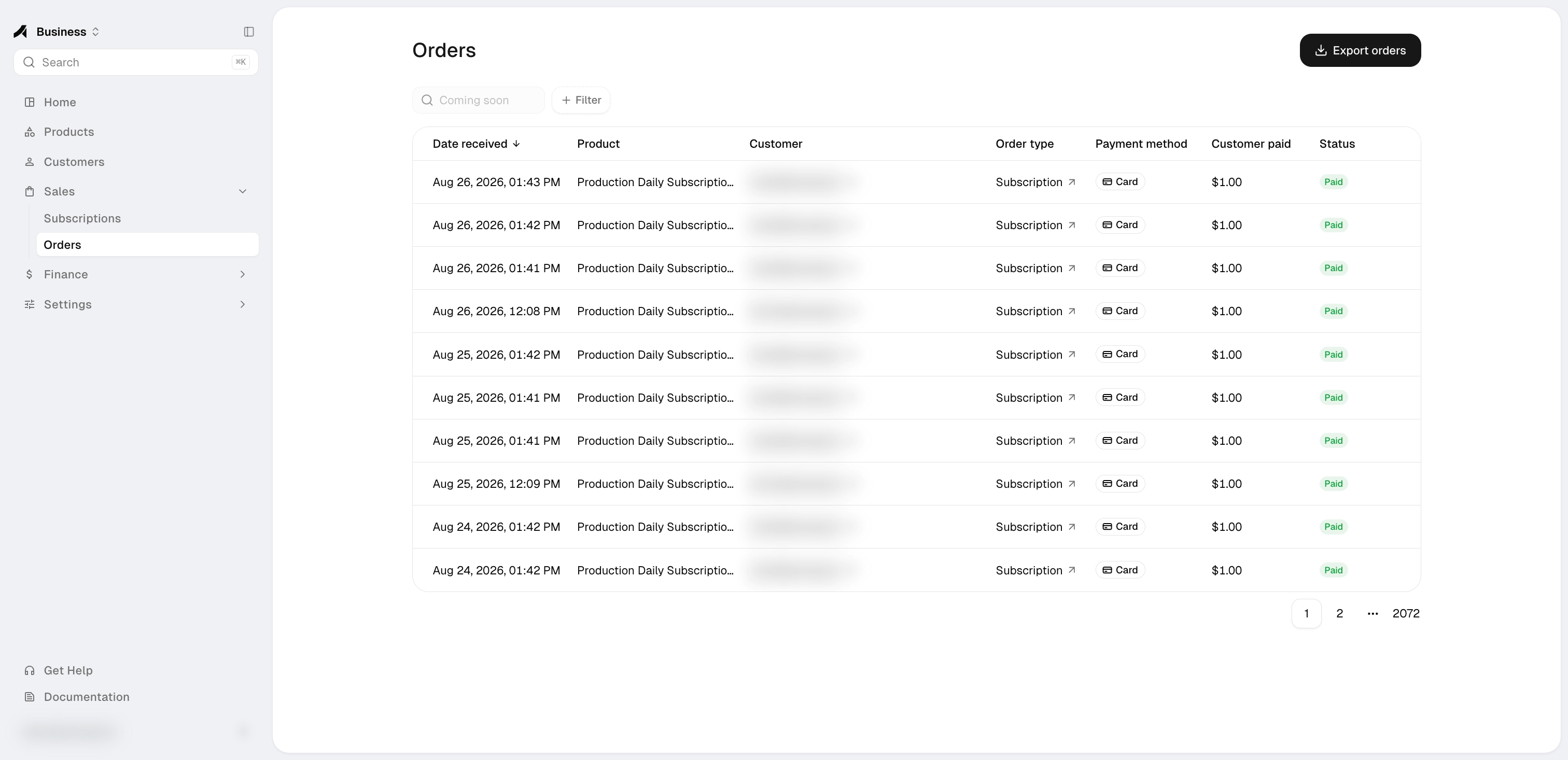
Follow a payment
1
Customer pays
The customer completes checkout through the public Anyway payment link.
2
Order becomes paid
Anyway processes payment events idempotently so duplicate or out-of-order events do not create duplicate orders or move a paid order back to pending.
3
Finance records the sale
Eligible Card / USD sales are added to Finance asynchronously.
A paid order can appear in Orders shortly before its Finance transaction appears. This short delay is expected because financial posting runs asynchronously.
Match records by order ID
For each Card / USD sale, compare:
The fee configuration in effect when the buyer pays is used for that order. Later pricing changes only affect future orders.
Order details
- Platform-collected Card / USD orders show the customer amount, Anyway fee, net earnings, card details and checks, and a payment timeline. Finance ledger entries are looked up by order ID.
- Crypto orders show status, product, amount, email, note, merchant reference, chain, payment link, transaction hash, and an explorer link when available.
- Recurring orders are labeled as the initial subscription payment or a renewal. Open the related subscription to review its complete order history.
Customers & subscriptions
Follow customer purchase history and subscription renewal relationships.
Different payment methods
- An incomplete or unsuccessful checkout is not recorded as a completed sale.
- Crypto, x402, and credit activity use their own balance or activity views and are not included in the Card / USD Finance ledger.