

← Changelog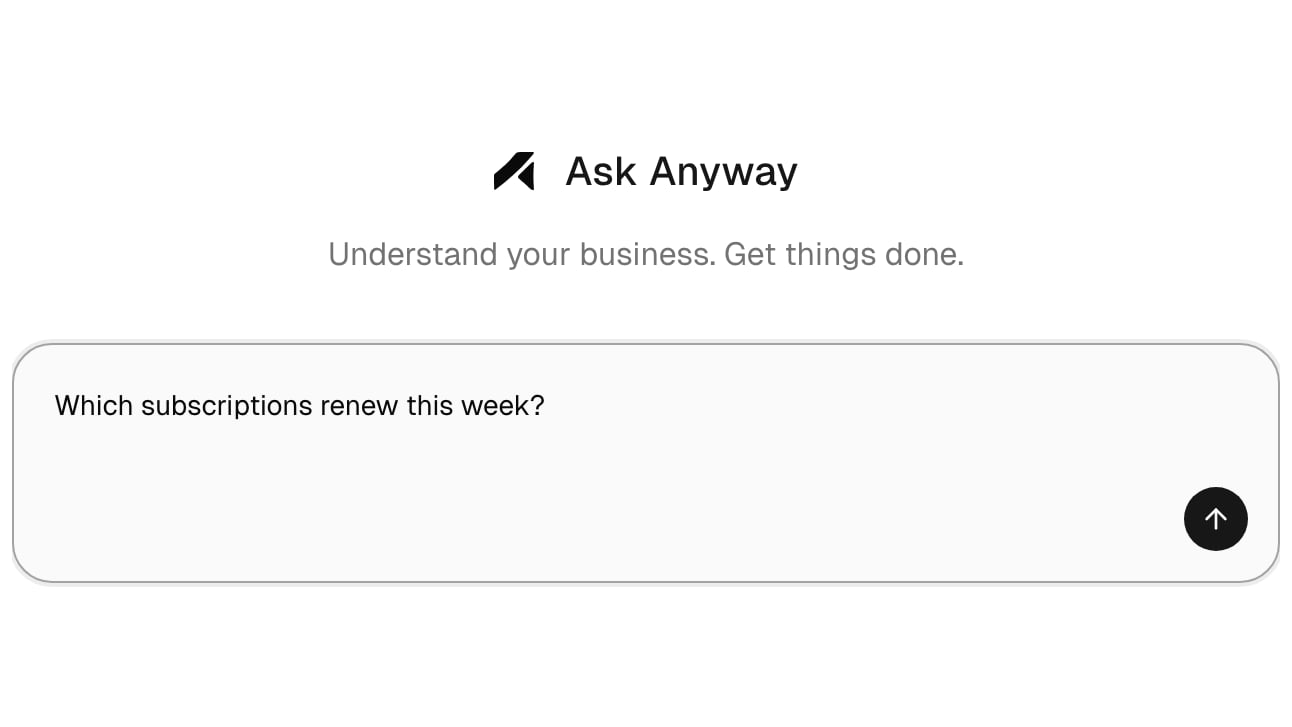
Agent, your new Home
Home is now Agent, a chat where you ask about your business in plain words: how revenue is trending, which subscriptions renew this week, who your top customers are. Answers come as charts and tables built from your live data. The revenue, order, and balance overview moved to Metrics in the sidebar.Nothing changes until you confirm
When the agent is ready to create, change, or delete something, it shows a card that says exactly what will happen. Nothing is sent until you confirm, and each confirmed action runs once.What you can do in chat
- Ask about your orders, products, subscriptions, customers, and checkout sessions. Answers only include your organization’s data.
- Open an order, subscription, customer, or product straight from the results.
- Manage members and invitations, read notifications, check income and wallet balances, and export orders or income as CSV.
- Create, rename, change the access of, or delete Merchant API keys. A new key is shown once, in your browser; the agent never sees it.
- Set up payouts: give your verification details and payout account, upload a passport, or start identity verification.
Open in Anyway
Improvements
- Checkout · Card checkout pages show Checkout for <your organization> by Anyway above the Pay button, so buyers know who they are paying.
- Emails · Payment received, Subscription active, and Subscription canceled emails show your organization’s name and “via Anyway” at the top, in a new design.
- Settings · Rename your organization and your existing payment links show the new name within seconds.
- Merchant API · Cancel a subscription with
POST /v1/subscriptions/{id}/cancel: renewal stops, the customer keeps access until the paid period ends, and nothing is refunded. Limited keys need Cancel subscription. See Cancel a subscription. - Merchant API · Create products and payment links, rename, archive, and publish products, and edit a payment link’s title, description, and success URL. Limited keys need the Products and Payment links write permissions. See Create a product.