> ## Documentation Index
> Fetch the complete documentation index at: https://docs.anyway.sh/llms.txt
> Use this file to discover all available pages before exploring further.
# Web App
> The Anyway web console — manage your AI agent business with a visual interface at app.anyway.sh
The Anyway web console at [app.anyway.sh](https://app.anyway.sh) provides a visual interface for all platform features. Everything available in the CLI is also accessible here.
## Workspace
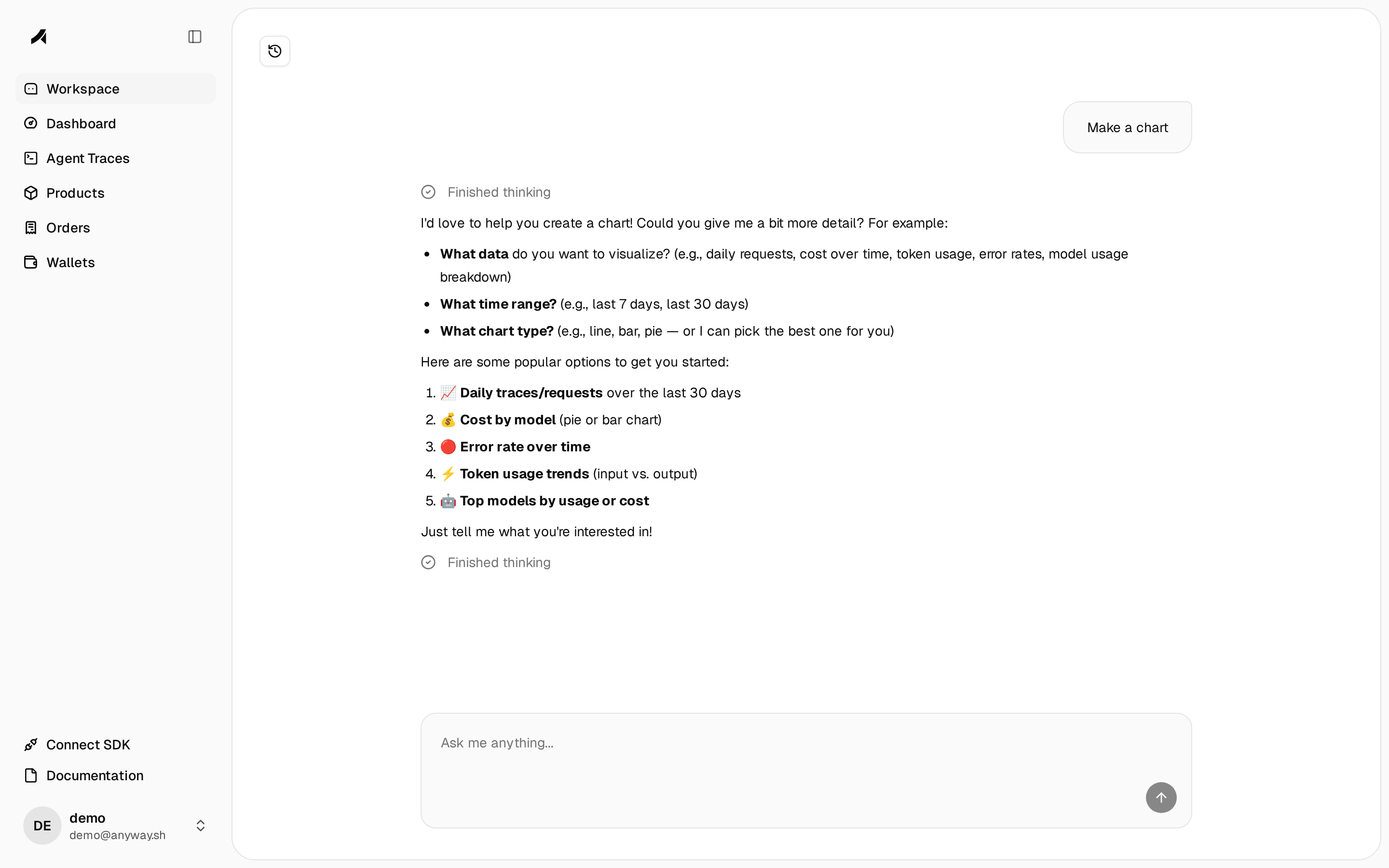
An AI-powered workspace for both getting started and running your business. Ask it to walk you through onboarding, create your first product, or connect the SDK — then use it day-to-day to analyze revenue trends, break down costs by customer, debug failed traces, generate charts, check your Stripe payouts and crypto wallet balance, and manage products, all in natural language.
The agent has access to 34 tools spanning your entire Anyway account:
| Category | Capabilities |
| ----------------------------- | -------------------------------------------------------------------------------------------------------- |
| **Traces & Analytics** | Query traces, spans, token usage, costs, and run ad-hoc ClickHouse queries |
| **Products & Payment Links** | List, create, update, archive, publish products; activate/deactivate payment links |
| **Pricing** | List, create, update, delete pricing versions |
| **Stripe Payments** | List payments, view payment details and timelines, check account balance, list payouts and bank accounts |
| **Crypto Wallet** | Check USDC balance on Base, view transaction history |
| **Merchant & Stripe Connect** | View account status and Stripe Connect details |
| **Web Fetch** | Fetch and summarize documentation from anyway.sh, github.com, and npmjs.com |
| **Charts** | Generate inline charts from query results |
The agent streams responses in real time. Tool invocations appear as inline bubbles — for example, web fetch calls show the target hostname as a clickable link with an expandable markdown preview of the fetched content.
 ## Dashboard
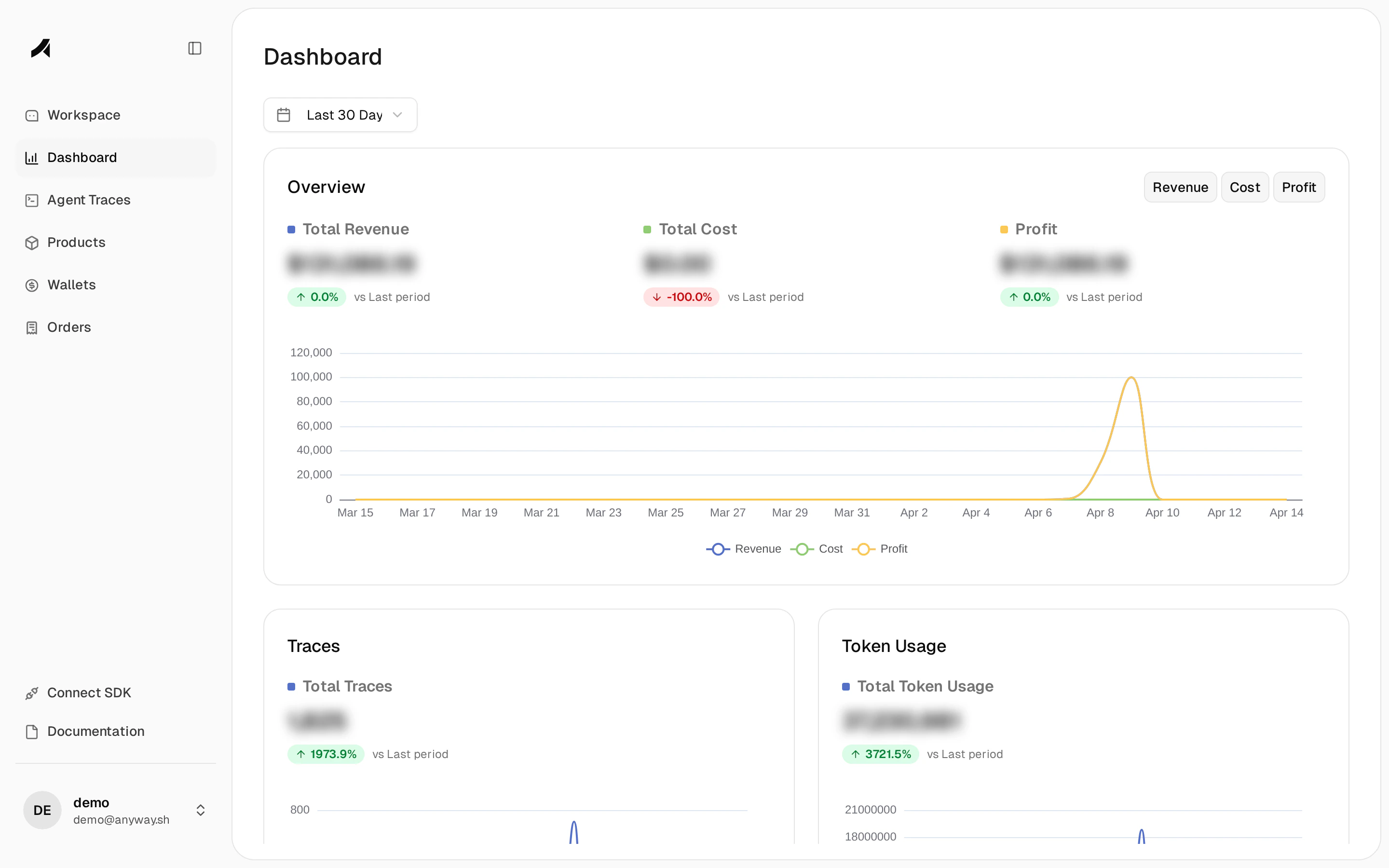
The central hub for monitoring your AI business. Displays key metrics — total revenue, total cost, profit — with percentage changes compared to the previous period. Below the overview cards, interactive charts show revenue, cost, and profit trends over time. Further down, trace volume and token usage summaries give a quick health check on your SDK integration.
Use the date range picker (Last 1 / 7 / 30 / 180 days) to adjust the window. New accounts with no real data will see sample metrics to help you explore the interface before connecting the SDK.
## Dashboard
The central hub for monitoring your AI business. Displays key metrics — total revenue, total cost, profit — with percentage changes compared to the previous period. Below the overview cards, interactive charts show revenue, cost, and profit trends over time. Further down, trace volume and token usage summaries give a quick health check on your SDK integration.
Use the date range picker (Last 1 / 7 / 30 / 180 days) to adjust the window. New accounts with no real data will see sample metrics to help you explore the interface before connecting the SDK.
 ## Agent Traces
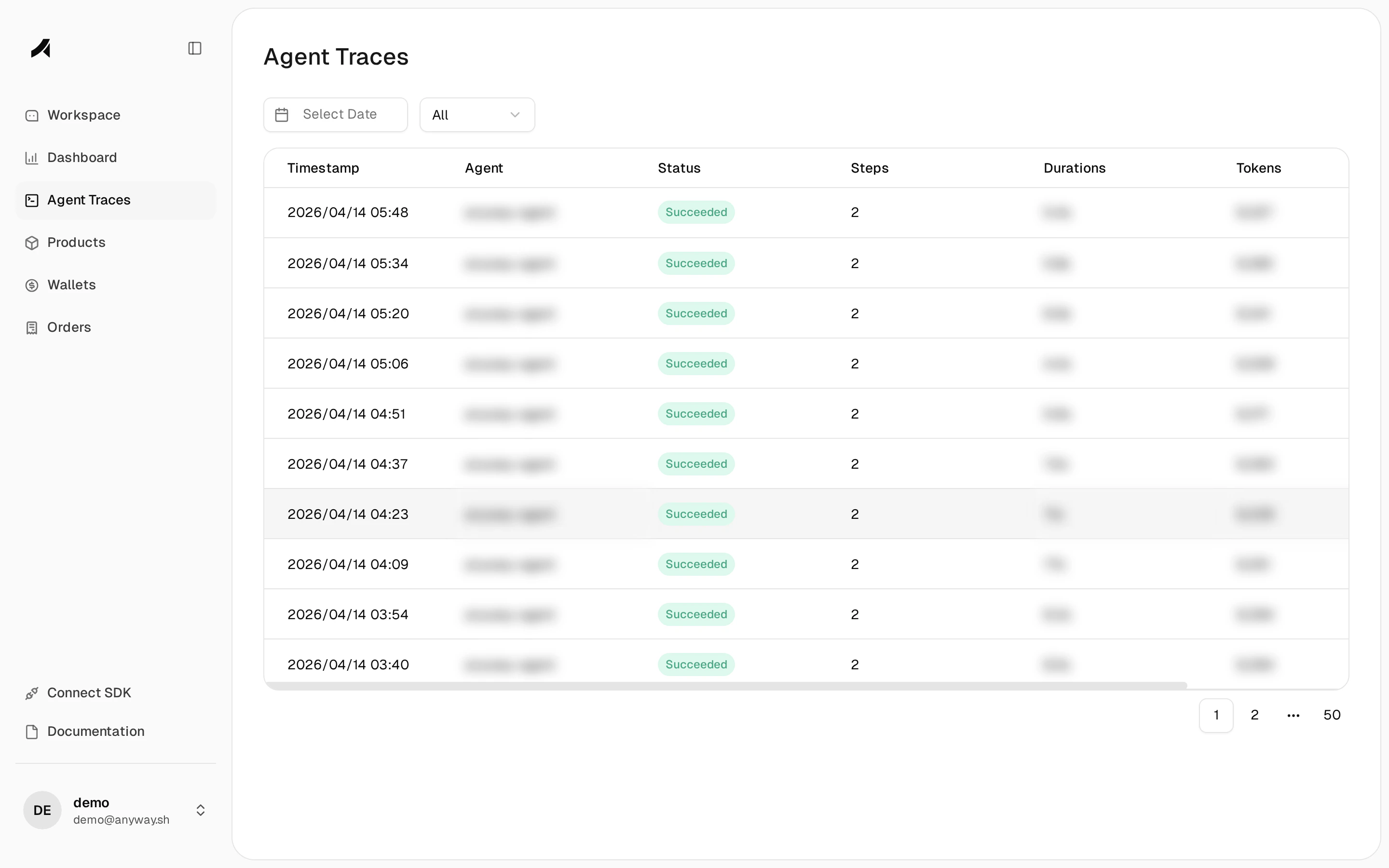
A detailed log of every LLM call instrumented by the Anyway SDK. Each row shows the timestamp, agent name, execution status, number of steps (spans), total duration, and token count. Click any trace to expand a drawer with the full span tree, input/output details, cost breakdown, and any artifacts generated during execution.
Filter by date and status (All / Success / Failed) to isolate issues. When no traces are present, the page prompts you to connect the SDK.
## Agent Traces
A detailed log of every LLM call instrumented by the Anyway SDK. Each row shows the timestamp, agent name, execution status, number of steps (spans), total duration, and token count. Click any trace to expand a drawer with the full span tree, input/output details, cost breakdown, and any artifacts generated during execution.
Filter by date and status (All / Success / Failed) to isolate issues. When no traces are present, the page prompts you to connect the SDK.
 ## Products
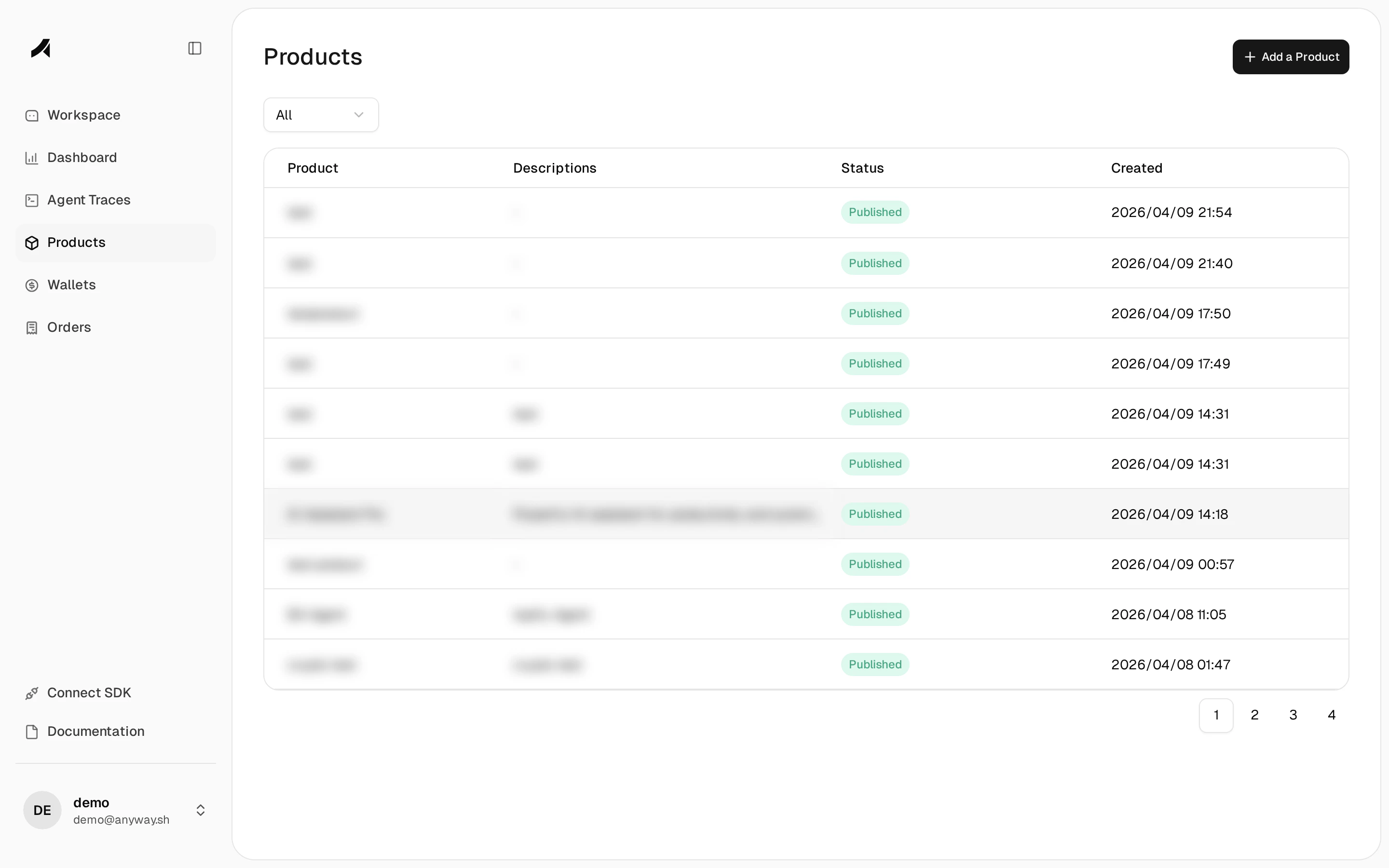
Manage your product catalog. Each product has a name, description, status (Published / Draft / Archived), and a creation date. Creating a product automatically generates a payment link that you can share with customers.
Supports one-time and recurring (monthly/yearly) pricing. Choose between Stripe (card payments) or Crypto (USDC on Base) as the payment provider. Use the status filter to quickly find active or archived products.
## Products
Manage your product catalog. Each product has a name, description, status (Published / Draft / Archived), and a creation date. Creating a product automatically generates a payment link that you can share with customers.
Supports one-time and recurring (monthly/yearly) pricing. Choose between Stripe (card payments) or Crypto (USDC on Base) as the payment provider. Use the status filter to quickly find active or archived products.
 ## Orders
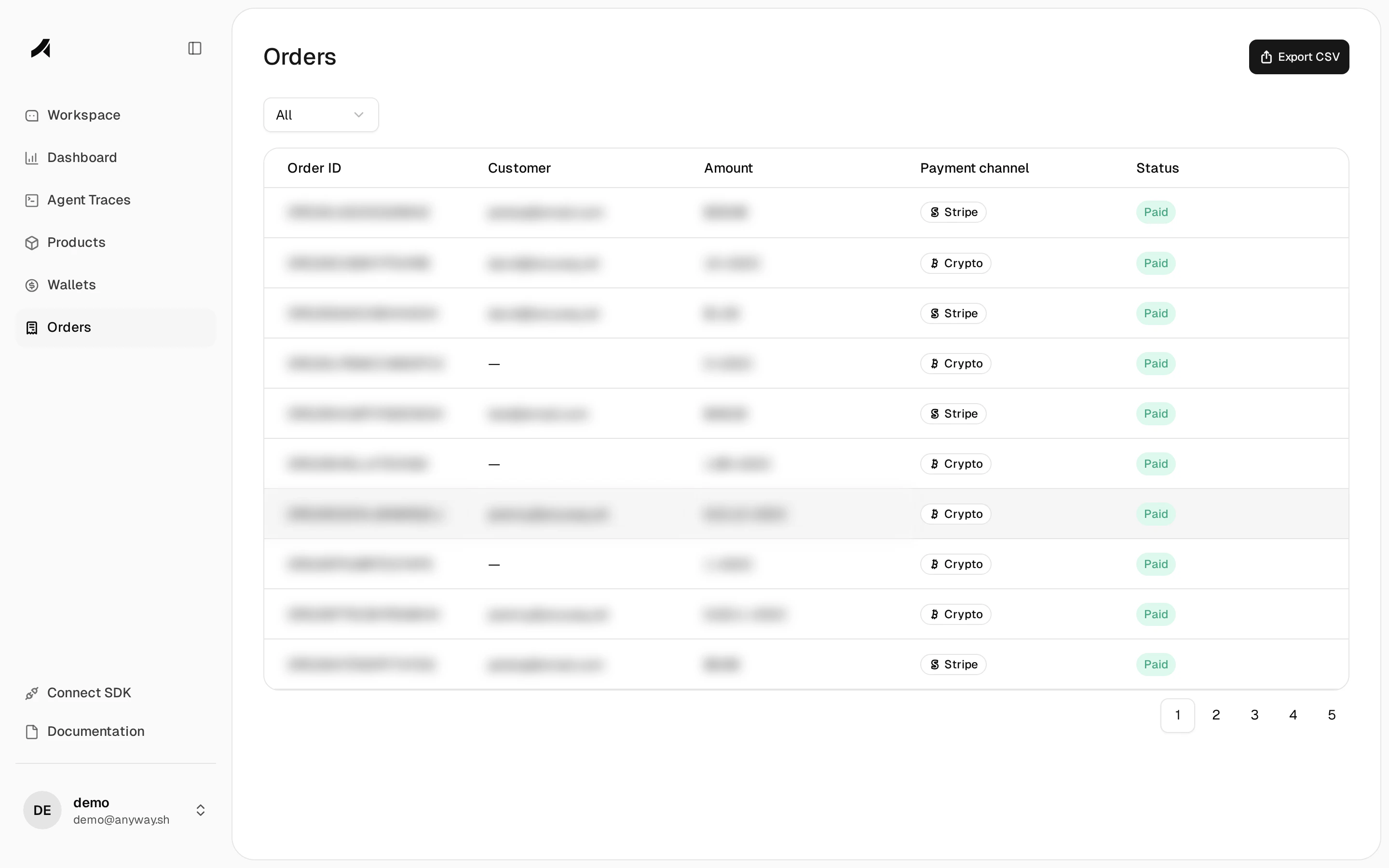
A unified transaction ledger across all payment methods. Each order shows the order ID, customer info, amount, payment channel (Stripe or Crypto), and status. Filter by status or use the **Export CSV** button to download order data for accounting and reconciliation.
## Orders
A unified transaction ledger across all payment methods. Each order shows the order ID, customer info, amount, payment channel (Stripe or Crypto), and status. Filter by status or use the **Export CSV** button to download order data for accounting and reconciliation.
 ## Wallets
Manage where your money lands:
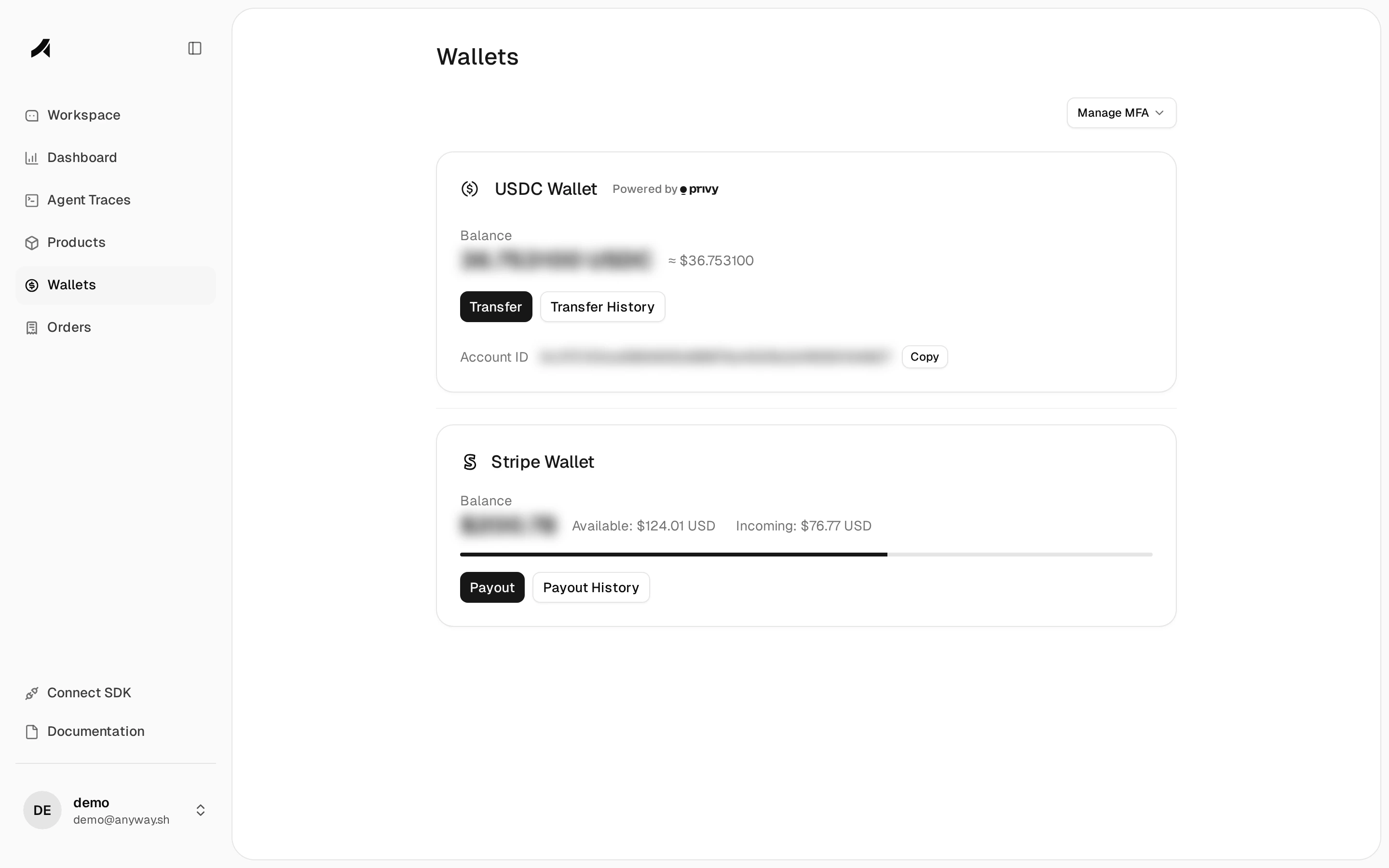
* **USDC Wallet** — powered by Privy, shows your crypto balance in USDC with a dollar equivalent. Transfer funds or view transaction history with on-chain explorer links. Protected by MFA enrollment.
* **Stripe Wallet** — shows your fiat balance split into available and incoming amounts. Request payouts or view payout history.
## Wallets
Manage where your money lands:
* **USDC Wallet** — powered by Privy, shows your crypto balance in USDC with a dollar equivalent. Transfer funds or view transaction history with on-chain explorer links. Protected by MFA enrollment.
* **Stripe Wallet** — shows your fiat balance split into available and incoming amounts. Request payouts or view payout history.
 ## Developer
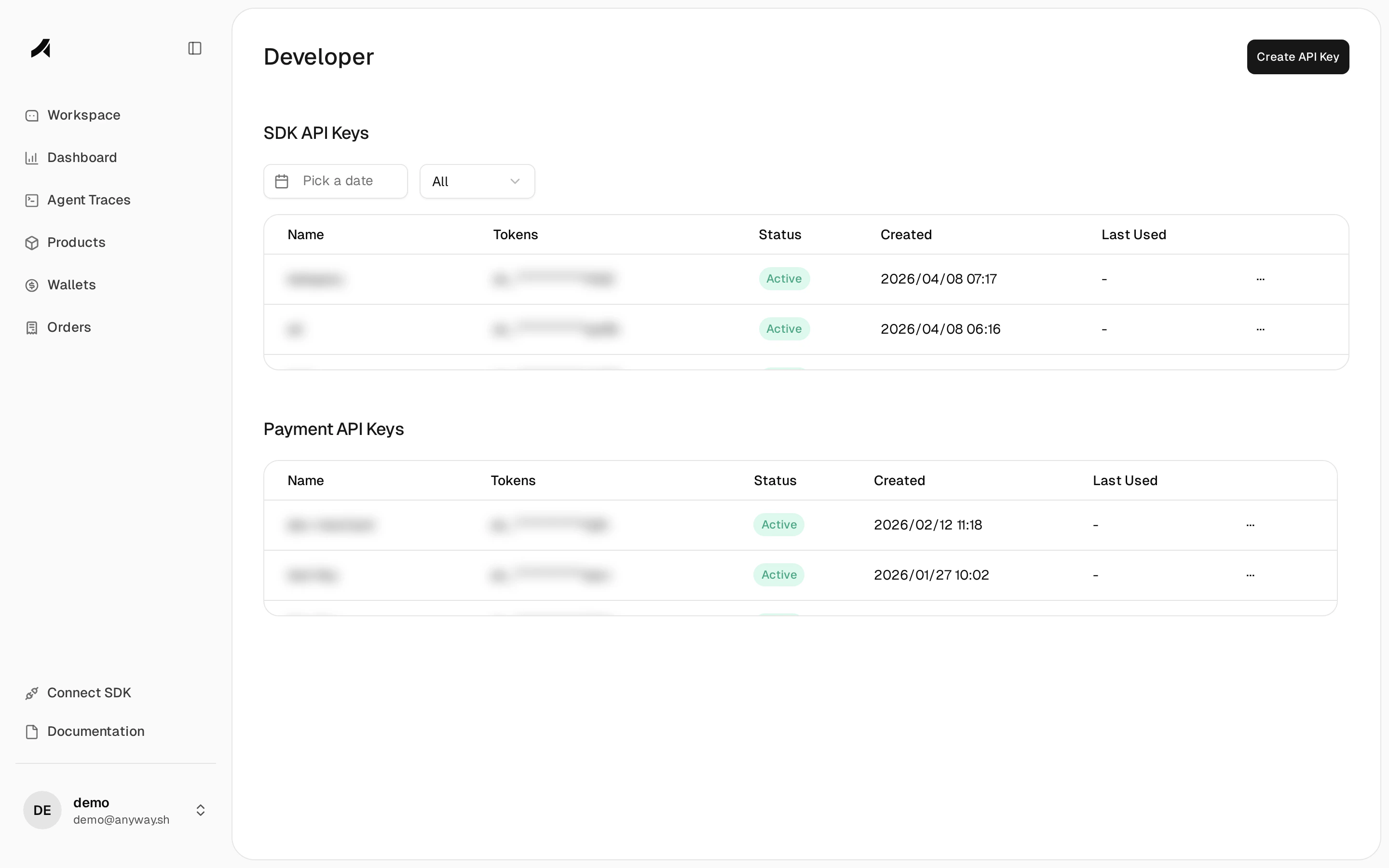
Create and manage API keys. Two key types are available:
* **SDK API Keys** — used in your application code to authenticate trace ingestion. Required for the Python and JavaScript SDKs.
* **Payment API Keys** — used for merchant API access (managing products, orders, and webhooks programmatically).
Each key shows its name, masked token, status (Active / Revoked), creation date, and last usage. Click **Create API Key** to generate a new one.
## Developer
Create and manage API keys. Two key types are available:
* **SDK API Keys** — used in your application code to authenticate trace ingestion. Required for the Python and JavaScript SDKs.
* **Payment API Keys** — used for merchant API access (managing products, orders, and webhooks programmatically).
Each key shows its name, masked token, status (Active / Revoked), creation date, and last usage. Click **Create API Key** to generate a new one.
 ## Connect SDK
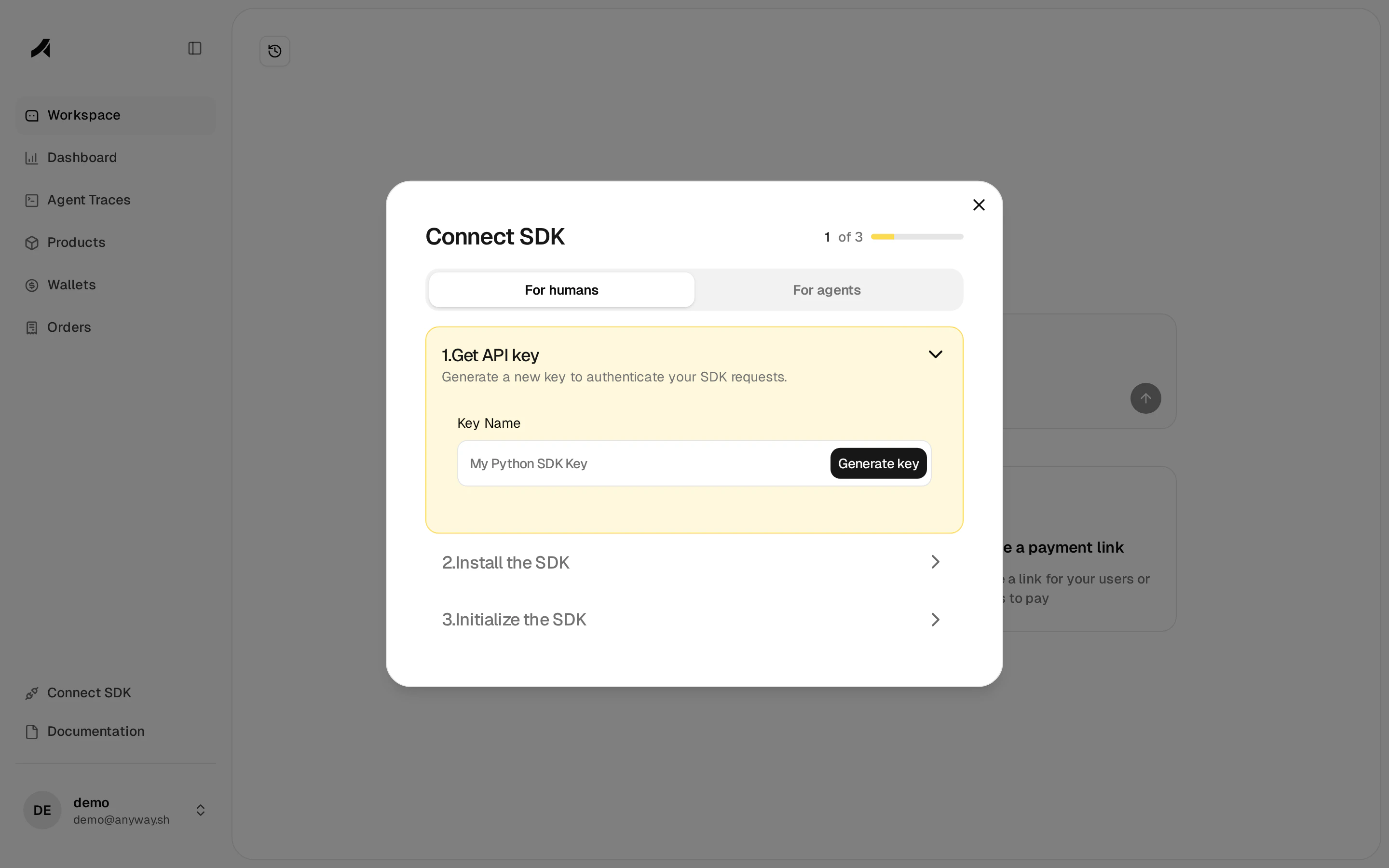
The **Connect SDK** button in the sidebar opens a guided 3-step wizard to integrate the Anyway SDK into your application:
1. **Get API key** — Generate a new SDK key directly from the dialog, with a name you choose.
2. **Install the SDK** — Copy the install command for Python (`pip install anyway-sdk`) or JavaScript (`npm install @anyway-sh/node-server-sdk`).
3. **Initialize the SDK** — Copy the initialization code snippet with your API key pre-filled.
The wizard offers two paths: **For humans** (step-by-step with code snippets) and **For agents** (a compact reference for AI coding agents). Once connected, traces will start appearing on the Agent Traces page.
## Connect SDK
The **Connect SDK** button in the sidebar opens a guided 3-step wizard to integrate the Anyway SDK into your application:
1. **Get API key** — Generate a new SDK key directly from the dialog, with a name you choose.
2. **Install the SDK** — Copy the install command for Python (`pip install anyway-sdk`) or JavaScript (`npm install @anyway-sh/node-server-sdk`).
3. **Initialize the SDK** — Copy the initialization code snippet with your API key pre-filled.
The wizard offers two paths: **For humans** (step-by-step with code snippets) and **For agents** (a compact reference for AI coding agents). Once connected, traces will start appearing on the Agent Traces page.